Virtual Card
This article provides a pre-payment check and eight-step checklist. Continue reading:Select the investigation direction according to transaction status | Google Ads payment troubleshooting
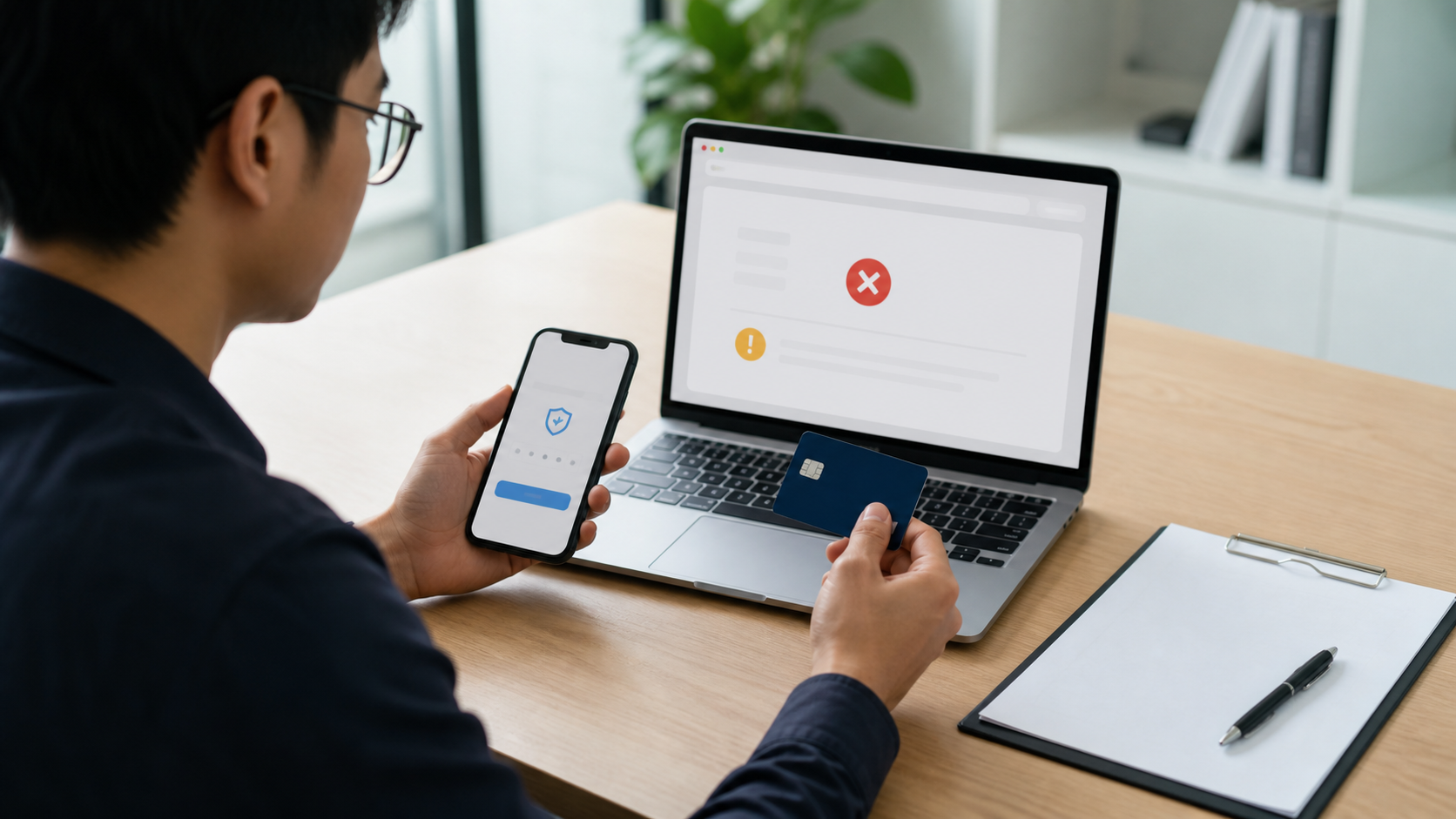
When the payment page pops up with “Failed”, the two easiest things to do are often not very good: click to pay continuously, or immediately change a card and try again. The former may cause repeated pre-authorization, and the latter will hide the real problem.
Stop for a minute and review three pieces of information: whether the merchant order has been generated, the status of the card transaction record, and whether the 3DS verification has been completed. They are not necessarily in sync. For example, the merchant page shows that the payment has not been completed, but a “processing” pre-authorization has appeared on the card side; or the card is normal and the failure occurred in the billing area or the merchant’s own account review.
First determine which layer the failure occurred
| What you see | A more likely link | Next step |
|---|---|---|
| The merchant does not have an order number and there is no transaction on the card side. | The data or page verification failed before submission | Check billing information, payment methods and network |
| Merchant prompts to wait for verification | 3DS or merchant authentication not completed | Complete the verification within the validity period and do not open more windows |
| Card side displays Processing | Pre-authorization or clearing not completed yet | Wait for the status to change and do not pay again immediately |
| Clear rejection on the card side | Balance, limit, card status or merchant rules | Click on the eight-item list below to check |
| The order still fails after the merchant deducts the payment. | Merchant order system or risk control review | Keep the order number and contact the merchant for verification |

Eight-step troubleshooting, more effective than changing cards
1. Look at “Available Balance”, don’t just look at the total account balance
A transaction may include taxes, pre-authorization, small verifications, or exchange rate differences. The total balance of the account is sufficient, but it does not mean that the available balance of the payment card is sufficient. If there are frozen transactions, they must also be included in the calculation.
2. Confirm that the card has not been suspended, expired or hit the limit
Check card status, validity period, single transaction/daily/monthly limit and whether online payment is enabled. Corporate accounts should also confirm that the person in charge of the card has not had their authority revoked.
3. Check the merchant currency and amount
The price displayed by the merchant may be superimposed with taxes, shipping charges or automatic conversion in the last step. Don’t estimate your balance based solely on the price listed on the product page.
4. The billing address must use card information
The billing country, state, province, zip code, and street information should be based on the card details or the information provided by the service provider. Do not use fictitious information to try to pass verification, and do not automatically use the shipping address as the billing address.
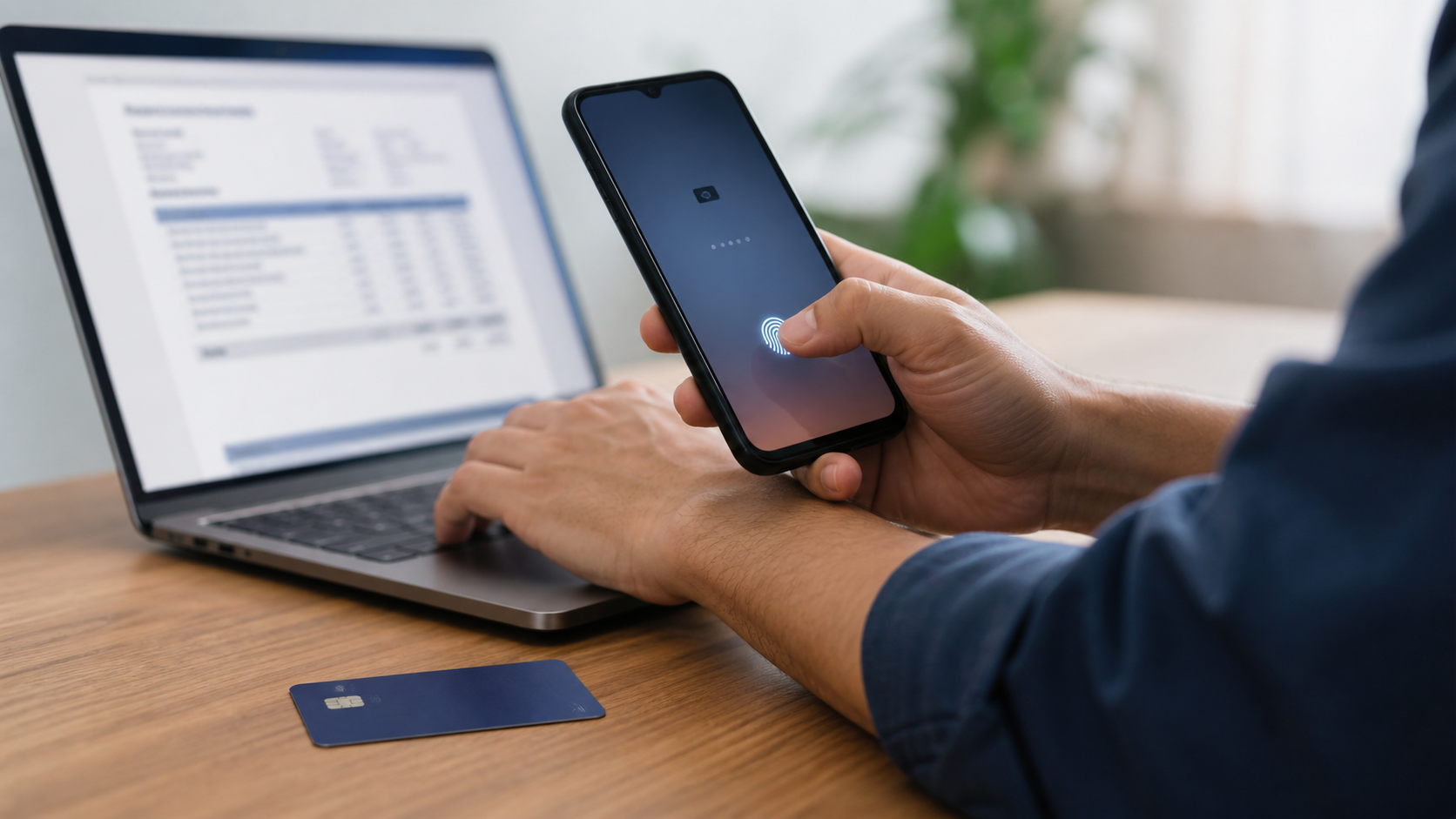
5. Check whether the 3DS verification is actually completed
Sometimes users see the verification page but close the window before jumping back to the merchant; sometimes the device blocks the pop-up window. After completion, you should return to the original merchant page to confirm the order status.
6. Distinguish between “not supported by the merchant” and “rejected by the card issuer”
Some merchants, subscription products, regions, industry categories or payment models have their own restrictions. The transaction notes, merchant error codes and order page prompts on the card side can help determine which end the problem belongs to. Don’t mistake merchant policy restrictions for card quality issues.
7. Do not retry the same order continuously
Each resubmission may result in a new pre-authorization. If there is already a transaction being processed, wait for the status to change first, and bring the time, amount, merchant name and card number for consultation if necessary.
8. Prepare a consultation message that can address the problem
When contacting the service provider or merchant, the most useful things are: transaction time (including time zone), amount and currency, merchant name, order number, card tail number, page prompt screenshot, and whether 3DS is completed. Do not send your full card number or security code.
Quick self-check before payment
- □ Payment card status is available, not expired, not suspended
- □ Available balance covers taxes, pre-authorization and possible exchange rate fluctuations
- □ Single transaction and period limits are not triggered
- □ Merchant currency and final settlement amount have been confirmed
- □ The billing information comes from the card details, not the guessing of the delivery address.
- □ 3DS verification device is available, and the browser does not block the jump
- □ Checked the merchant’s and account’s own payment policies
- □ There are no pending duplicate deductions for the same order
Payment failure itself is not uncommon. The key is to locate the problem in the correct link. Checking first and then processing is usually faster than constantly changing cards, and it is easier to keep clear accounting records.
Reminder: Whether a merchant supports a certain card, billing country or verification method depends on the merchant, region, account and card issuance rules. This article does not provide ways to bypass moderation, falsify profiles, or circumvent restrictions.
Related reading:How to recharge and make the first payment after opening the virtual card? The complete process from USDT to successful payment | How to troubleshoot Google Ads payment failure: billing information, country, currency, payment method and card status | Corporate virtual card monthly reconciliation template: how to count recharge, consumption, refund, and chargeback
Virtual Card
Original article by Virtual Card Reviews & Cross-Border Payment Guides. If republishing, credit the source: https://visaspay.com/en/if-the-virtual-card-payment-fails-dont-rush-to-change-the-card-8-step-troub/