Virtual Card
This article focuses on the operation sequence from the first recharge to the first payment. Continue reading:Detailed steps for withdrawing currency from the exchange | Check before recharge and check for non-receipt
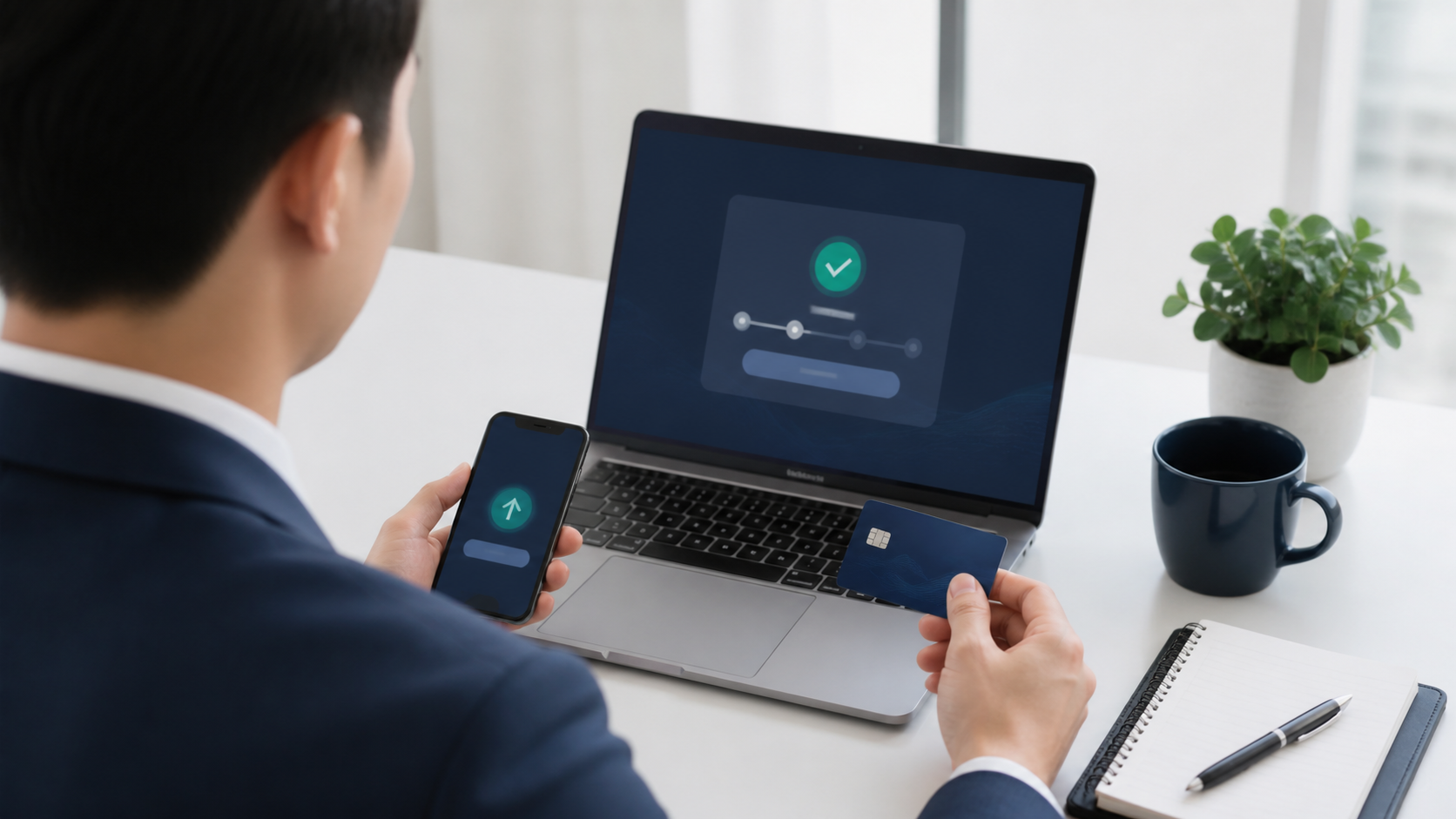
After opening a card for the first time, what really makes people nervous is usually not “will I click to recharge?” but three very specific questions: will the address be filled in incorrectly, will USDT go to the wrong network, and will the merchant’s first deduction fail.
The safer approach is not to transfer all large amounts of funds at once, nor to repeatedly change cards after payment failure. First, check the recharge address, supported network, payment rules and card information displayed on the platform one by one, and then make a small amount that you can afford to test. After the first payment is successful, keep the transaction number, merchant order number and card tail number so that you will not be confused when encountering refunds or reconciliations later.
Why must you check the network, address and currency before making the first deposit?
Many misoperations occur when “the addresses look the same”. Just because the address is correct does not mean that the network must be correct; if the account shows USDT, it does not mean that all chains can receive it. After opening the recharge page, you should confirm the following content based on the current page display:
| Verification items | What to see | Common Mistakes |
|---|---|---|
| Recharge currency | Whether the accepted stable currencies are clearly stated on the page | Treat assets with similar names as the same |
| Network | For example, the link and note requirements specified on the page | Another chain was selected on the exchange withdrawal page. |
| Payment address | Whether the copy is complete and whether the first and last characters are consistent | Missing characters when inputting or copying by hand |
| Minimum amount and deposit rules | Is there a minimum recharge amount, number of confirmations or note requirements? | The small amount is lower than the minimum amount and is not discovered in time |
| How to bear the handling fee | Are exchange withdrawal fees and recharge service fees separate? | Only estimate the amount received based on “Transfer Amount” |
If the page provides both a QR code and a text address, it is recommended to use the text address as the main method for verification. Do not directly reuse previously saved addresses; service rules, addresses, or networks may be adjusted.
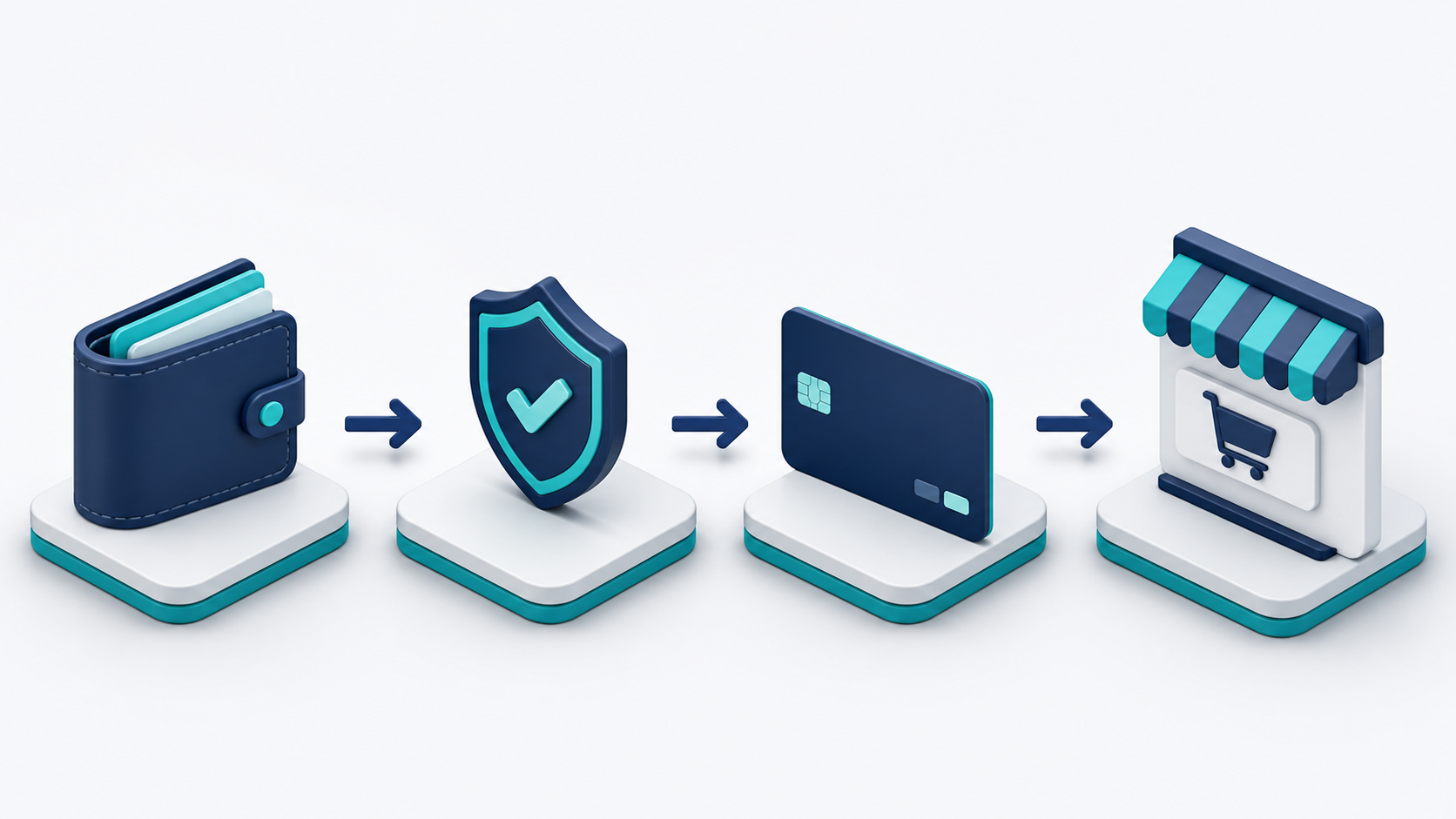
The most error-prone link from USDT to available balance
- Select USDT on the card recharge page and record the network, address, minimum amount and precautions displayed.
- Initiate a transfer from an exchange or wallet that has completed identity verification and allows currency withdrawal; the payment network must be consistent with the recharge page.
- Test with a small amount first. The test amount must be higher than the minimum recharge requirement and cover the transfer fee.
- After obtaining the transaction hash on the chain, wait for the platform to confirm the arrival according to the rules. Don’t assume your balance is available just because the exchange says “Committed.”
- Check the available balance, frozen balance and card status after receiving the account. If the account has prompts such as “under review” or “to be activated”, handle this status first.
- For your first purchase, it is recommended to choose a normal business payment with a controllable amount and clear rules, and save the merchant order number.
Here is a detail that is easily overlooked: having the recharge arrive does not mean that every card can be used immediately. Some services differentiate between account balance, card balance, frozen amount or risk control review status. Therefore, when you see your balance on the payment page, you also need to confirm that the payment card itself is available.
The first payment often fails in the billing information and verification process.
The merchant often verifies the card number, validity period, security code, billing address, region, currency and 3DS verification at the same time. The billing information must be based on the information provided by the card issuing service or the card details page. You cannot fill it in at will, and do not make up the address just to “try it out.”
Before making the first payment, it is recommended to check the following four items on the same screen:
- Whether the card has been activated and whether online transactions are allowed;
- Whether the available balance covers the product amount, taxes, pre-authorization or small amount verification;
- Whether the billing country/region required by the merchant is consistent with the card information;
- Whether the payment page will jump to 3DS verification, and whether the mobile phone or email can receive verification normally.
Keep three key records after the first payment
Many users only save payment screenshots and discover that key information is incomplete when refunds or payment disputes occur. After your first purchase, keep at least:
- Recharge record: Transfer time, currency, network, on-chain transaction hash, and actual amount received;
- Merchant order: Merchant name, order number, payment time, product or service description;
- Card record: Card last number, transaction status, deduction amount, and whether there is pre-authorization.
If the merchant reports success while the card platform still shows a pending transaction, avoid submitting the order again. Check the merchant order status, allow reasonable processing time, or provide the above records to the merchant and service provider for verification.
First recharge and payment list
- □ The current recharge address, network, and currency are all from the current recharge page
- □ Understand the minimum deposit amount, withdrawal fee and account arrival confirmation rules
- □ A small, affordable test has been done first
- □ The available balance of the account and the status of the card are normal
- □ Billing information is subject to the information provided by the card issuing service.
- □ 3DS verification conditions are ready
- □ The recharge hash, order number and card tail number have been saved
Reminder: The available networks, fees, KYC requirements, merchant scope and refund rules of each service provider will change. This article is for operation verification and does not constitute any merchant’s commitment to successful payment; please confirm the result with the customer service on the day’s page before payment.
Related reading:Comparing Virtual Card Platforms: Six Checks Beyond the Opening Fee | What should I do if the virtual card payment fails? Check order of balance, billing information, card type and merchant rules | Virtual Card KYC and KYB: Verification Requirements and Risk Checks
Virtual Card
Original article by Virtual Card Reviews & Cross-Border Payment Guides. If republishing, credit the source: https://visaspay.com/en/how-to-recharge-and-make-the-first-payment-after-opening-the-virtual-card-t/