Virtual Card
Can I use a virtual credit card for ChatGPT subscription? You cannot judge based on the name of the “virtual card” or a certain card segment. Before payment, you should check the location and card-issuing area, card payment capacity, balance and billing information; whether it is accepted will be subject to the checkout page and the card issuer’s processing results. This article focuses on troubleshooting web subscription payment, renewal and payment failure.
Find your problem first:Conditions before payment · Subscription payment steps · What to do if the card is declined · Renewal, Cancellation and Refund
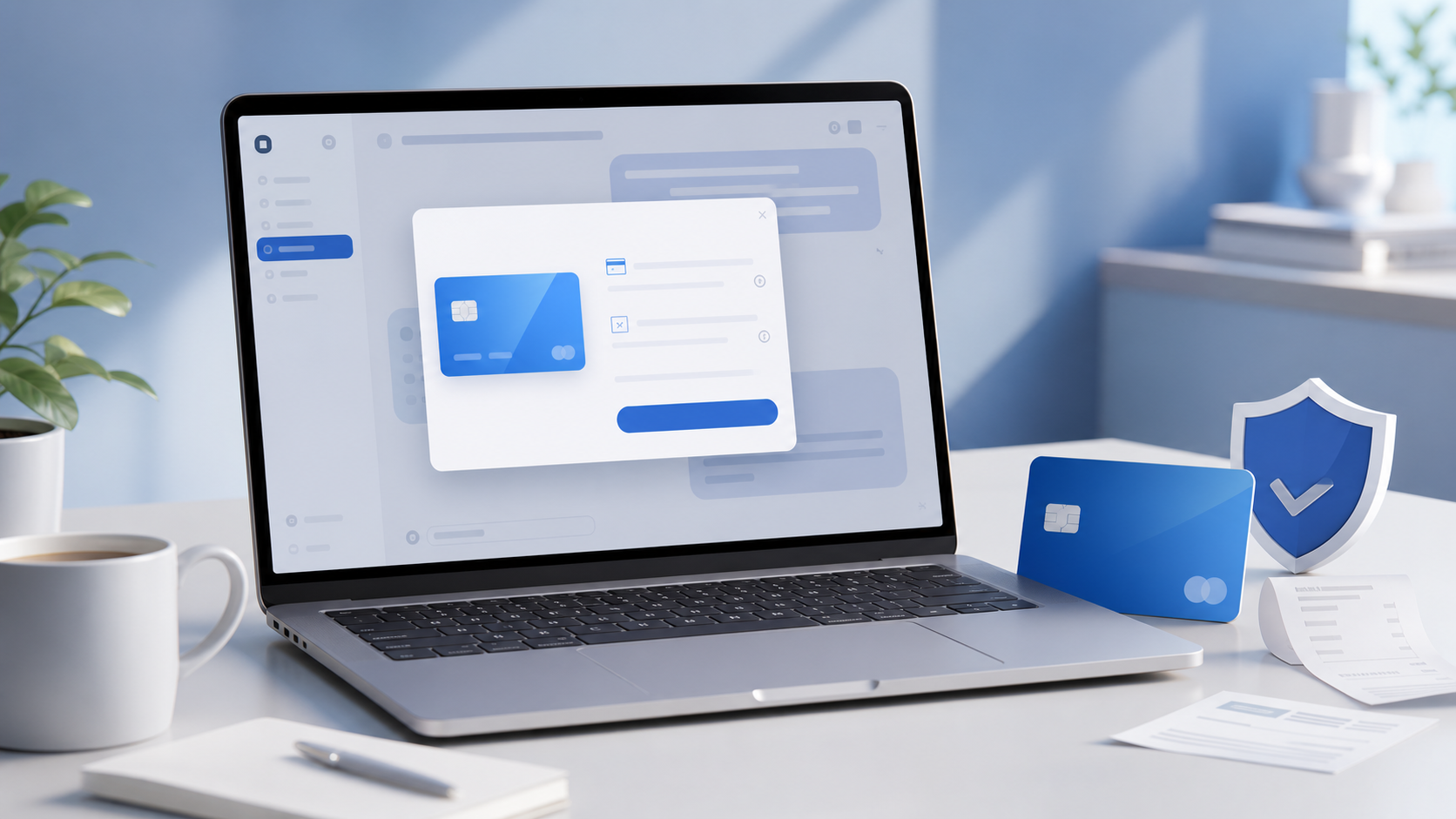
Many people say “recharge ChatGPT”, which usually means paying for the recurring subscription of ChatGPT with a bank card or virtual card, rather than adding a balance to the account that can be spent at will. ChatGPT web subscription and API balance are two different billing systems; the billing rules of API credits are also different from web subscriptions.
Virtual cards are suitable for separately managing subscription expenses: you can set up a dedicated card for AI tools, control the balance or limit, reduce the exposure of the main card, and make it easier to check monthly deductions. However, it is not a “must-pass card” and cannot change ChatGPT’s requirements for account region, payment information and risk control.
What conditions need to be met before making payment with ChatGPT virtual credit card?
| Check items | Suggestions |
|---|---|
| Account area | Confirm that the location and card issuance area meet official support requirements. |
| Card Type | Choose a virtual card that supports online international payments and periodic deductions. |
| 3DS Verification | If the card issuer requires verification, make sure it can be received and completed normally. |
| Balance and quota | Reserve room for subscription amount, possible exchange costs and card issuer fees. |
| Billing information | Use information that is true, verifiable, and consistent with the card issuer’s records. |
OpenAI’s help center lists that credit cards and debit cards can be used for ChatGPT web subscription, and local payment methods will also be displayed in some areas; the actual available methods are subject to your checkout page and card issuer rules.View OpenAI multi-currency billing instructions
Important: OpenAI clearly reminds that accessing or providing access services in unsupported countries or regions may result in account ban or suspension. Virtual cards can only be used for compliant payments and cannot be used to circumvent regional or account rules.View ChatGPT supported regions
How to choose a virtual card for ChatGPT subscription? Focus on checking these abilities
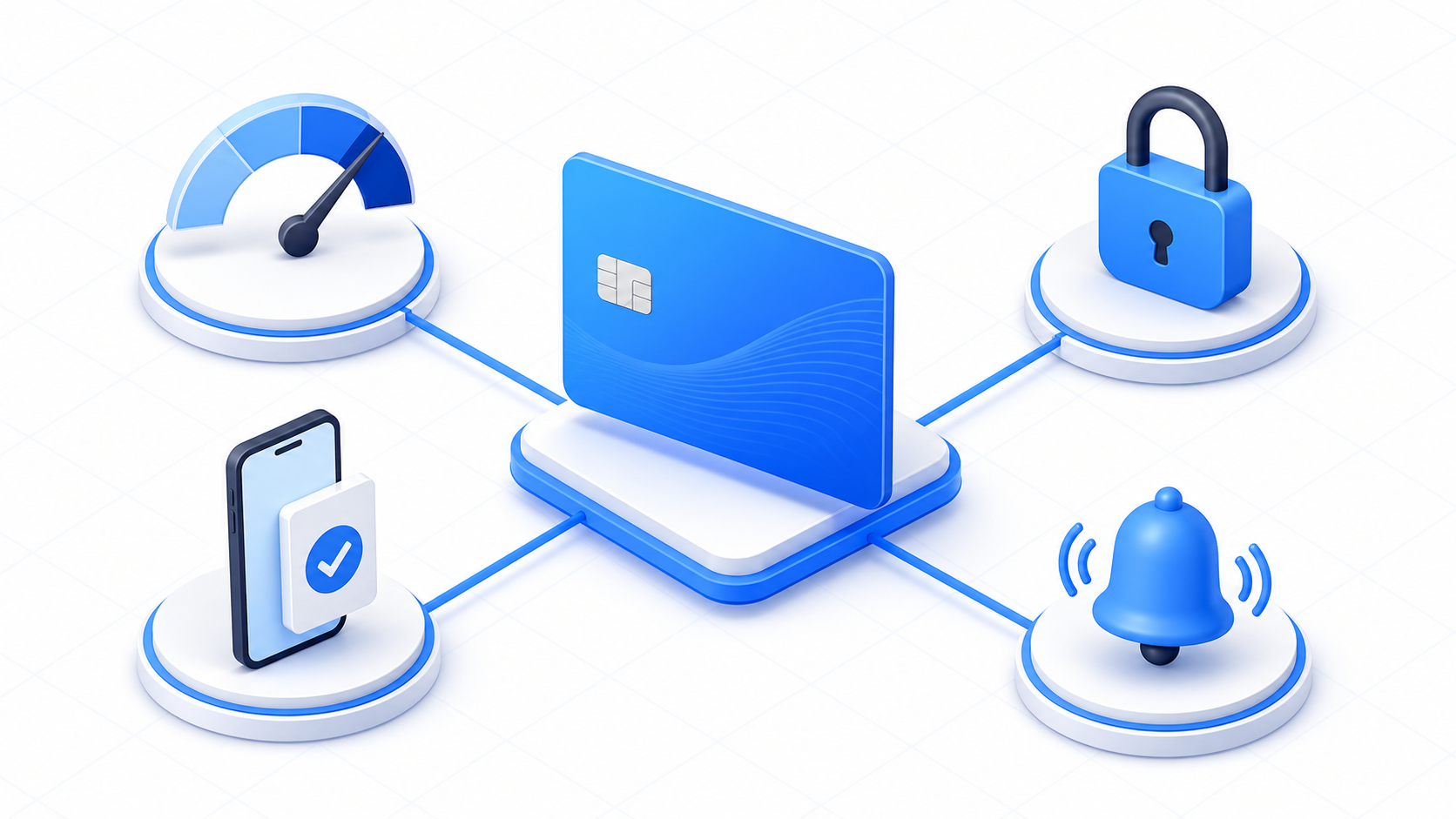
ChatGPT subscriptions are generally online digital services that renew automatically. Compared with disposable cards, it is more suitable to use dedicated virtual cards with continuous deductions and transaction records that can be viewed.
| Card Ability | Recommended level | Reason |
|---|---|---|
| Support online international merchants | Required | Subscription payment is completed on the web page. |
| Support periodic deductions | Required | Monthly or annual renewal may initiate authorization again. |
| Support 3DS/SCA | Suggestions | Some regions or card issuers will require additional verification. |
| Single card limit can be set | Strongly recommended | Easily control renewal and abnormal deduction risks. |
| Cards can be locked or frozen | Strongly recommended | Can be used as a supplementary control method when the subscription is not renewed. |
| Destroy the card at one time | Not recommended as the main card for subscription | Subsequent renewal may fail. |
How to pay for ChatGPT web subscription with virtual credit card?
- Login ChatGPT web client.
- Find the upgrade plan, subscription or Billing entry in the account menu; the specific button names will change as the interface is updated.
- Choose the plan that suits you and confirm the settlement cycle and display price.
- Fill in the virtual card number, validity period, security code and real billing information.
- If the 3DS, SCA or card issuer verification page appears, follow the prompts to complete the verification.
- After the payment is successful, return to the account settings to confirm the current plan, next renewal date and payment record.
- Save the order page, email receipt and virtual card transaction record for subsequent verification or refund application.
If you subscribe through an iOS or Android app, billing and cancellation are usually managed through the Apple App Store or Google Play rather than the ChatGPT website billing page.View official subscription cancellation instructions
What should I do if ChatGPT payment fails and the card is declined?
| Phenomenon | Common causes | Treatment suggestions |
|---|---|---|
| Card declined | The card is not enabled for online or international payments. | Go to the card counter to confirm the payment switch and merchant restrictions. |
| Verification requested but unable to complete | 3DS or SMS or email verification failed | Try again after completing the verification, do not submit continuously. |
| Failed despite sufficient balance | Does not support recurring deductions or digital service merchants | First verify the specific reasons for rejection and card restrictions, and then decide whether to change the payment method. |
| Abnormal price or currency on the payment page | Region, currency or account settlement settings are inconsistent | Do not pay immediately, verify billing information first. |
| The payment was successfully deducted but the rights were not received. | Page delay, wrong account login or order not completed | Check billing and email receipts for the same account. |
| Worry about repeated deductions | There may be authorization occupation or payment retry | Stop repeated submissions and contact the card issuer to check the authorization status. |
Do not change multiple cards in a row, submit frequently or fill in inconsistent billing information for the purpose of “trial card”. This will increase payment risk control risks and may also make subsequent investigation more difficult.
If still unable to locate, check first OpenAI official card rejection explanation, then click this site Steps to troubleshoot virtual credit card payment failure Organize transaction status and error prompts.
ChatGPT virtual card subscription fee: What else should be checked besides the card opening fee?
The subscription cost should be judged based on the “total cost” instead of just looking at the card opening price advertised by the card platform.
| Cost items | Possible locations | What to ask before placing an order |
|---|---|---|
| Card opening fee | When creating a virtual card | Is it charged per card, per month or per card segment? |
| Recharge fee | When depositing money into the card counter | What are the rates for using USDT, bank card or other methods? |
| Exchange costs | When deducting money in a non-settlement currency | Are there any exchange rate differences or currency conversion fees? |
| Payment fee | When the merchant debits successfully | Are there any additional fees for digital services and international merchants? |
| Authorization or failure fee | When failed or pre-authorized | Will there be any charges for failed transactions and when will they be released? |
| Refund Processing | When the refund arrives | Will it be returned via the original route or the balance, and how long will it take? |
It is recommended to leave a reasonable buffer only for subscription cards and not to store large balances in virtual cards that are not used for a long time.
How to handle automatic renewal, cancellation and refund of ChatGPT?
ChatGPT web subscription is usually automatically renewed. If you do not plan to continue using it, you should cancel at least 24 hours before the next billing date; after cancellation, you can usually still use it until the end of the current billing cycle. Whether regular subscription fees are refundable depends on the purchase channel and applicable conditions.View unsubscription rules
If you need to apply for a refund:
- Web subscription: After logging in to the corresponding ChatGPT account, submit it through the chat portal in the lower right corner of the OpenAI Help Center.
- Apple Subscription: Apply to Apple.
- Google Play subscription: Log in to the corresponding ChatGPT account and apply for a refund through the OpenAI Help Center chat portal; cancellation of renewal is still performed in Google Play subscription management.
- Keep the deduction date, amount, order email, last four digits of the card and screenshot of the problem before submission.
For eligible web-based refunds, the official processing time is 5–7 working days; the actual credit to the bank or card account requires additional processing time. Canceling a subscription does not mean automatically receiving a refund. Specific qualifications are subject to official review.View refund application instructions

How to manage the limit and renewal reminder of ChatGPT subscription card?
- One card is only used for ChatGPT or a small number of AI tools, and is not mixed with advertising or cloud services.
- Set a monthly limit slightly higher than the subscription amount, rather than unlimited.
- Turn on transaction notifications and you will be able to find out immediately whether the renewal is successful or failed.
- Keep track of your renewal date and cancel your subscription in advance if you don’t need it.
- Do not cancel the card immediately or clear necessary transaction records during refund processing.
- Payment information must be authentic and consistent; do not use virtual cards to try to bypass region, identity or terms of service restrictions.
ChatGPT Subscription Pre-Payment Checklist
- □ My region and account comply with ChatGPT’s service rules.
- □ The virtual card supports online international payments and periodic deductions.
- □ I can complete possible 3DS or SCA verifications.
- □ The balance in the card covers subscription, exchange and card platform fees.
- □ Confirmed payment channels: web, App Store or Google Play.
- □ Checked the failure, authorization, refund and renewal rules of the card platform.
- □ Transaction reminders and reasonable limits have been set.
- □ The next renewal date has been noted.
Tips: This article is a compilation of payment and subscription management experience and does not constitute a payment acceptance commitment by the platform or card issuer. Rates, regional support, payment rules and refund policies may be adjusted. Please refer to the ChatGPT checkout page, OpenAI official instructions and the current rules of the card issuer.
Need to manage multiple AI subscriptions? Continue viewing AI Subscription Automatic Renewal and Refund Checklist; If payment terms have not yet been determined, please read AI Subscription Pre-Payment Checklist.
Virtual Card
Original article by Virtual Card Reviews & Cross-Border Payment Guides. If republishing, credit the source: https://visaspay.com/en/chatgpt-virtual-credit-card-payment-guide-subscription-conditions-renewal-a/